 Spatial Homelab
Apple Home
Your home, always in view.
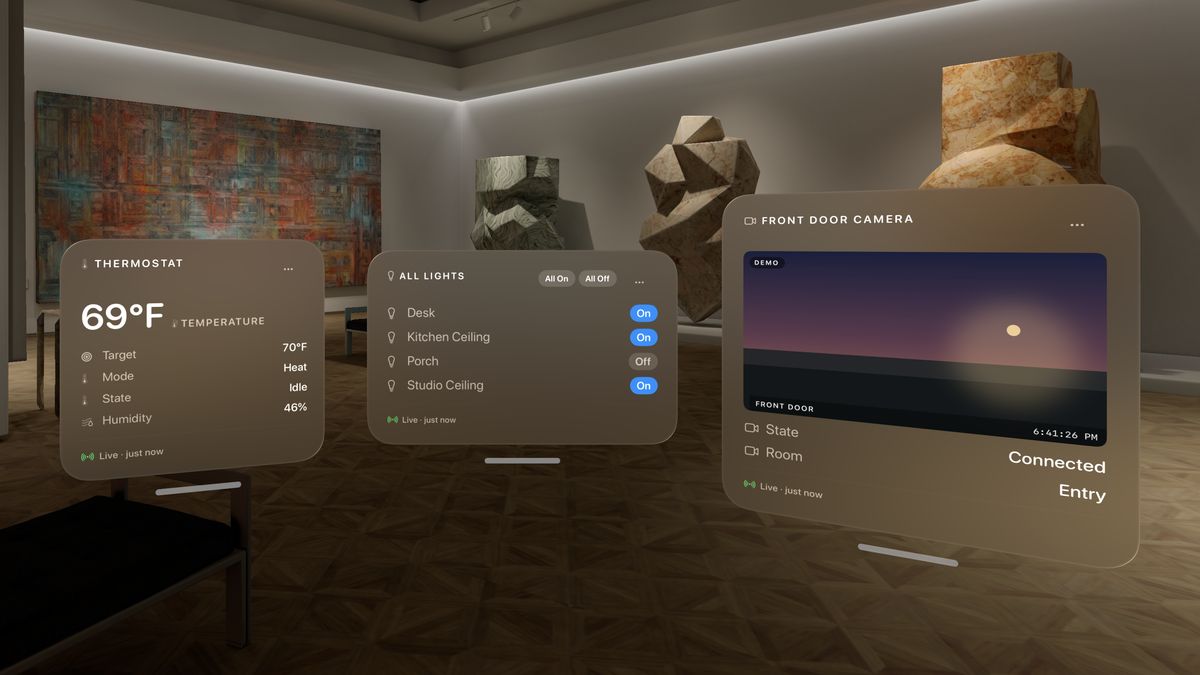
Lights, fans, outlets, switches, speakers, sensors, climate, security and cameras, by room or across the whole home.
Switch a light from its panel, or a whole list at once with All On and All Off. Drag to set brightness or volume. Cameras play live. Locks, doors, alarms and thermostats are shown, never changed.
Ask AI (Beta)
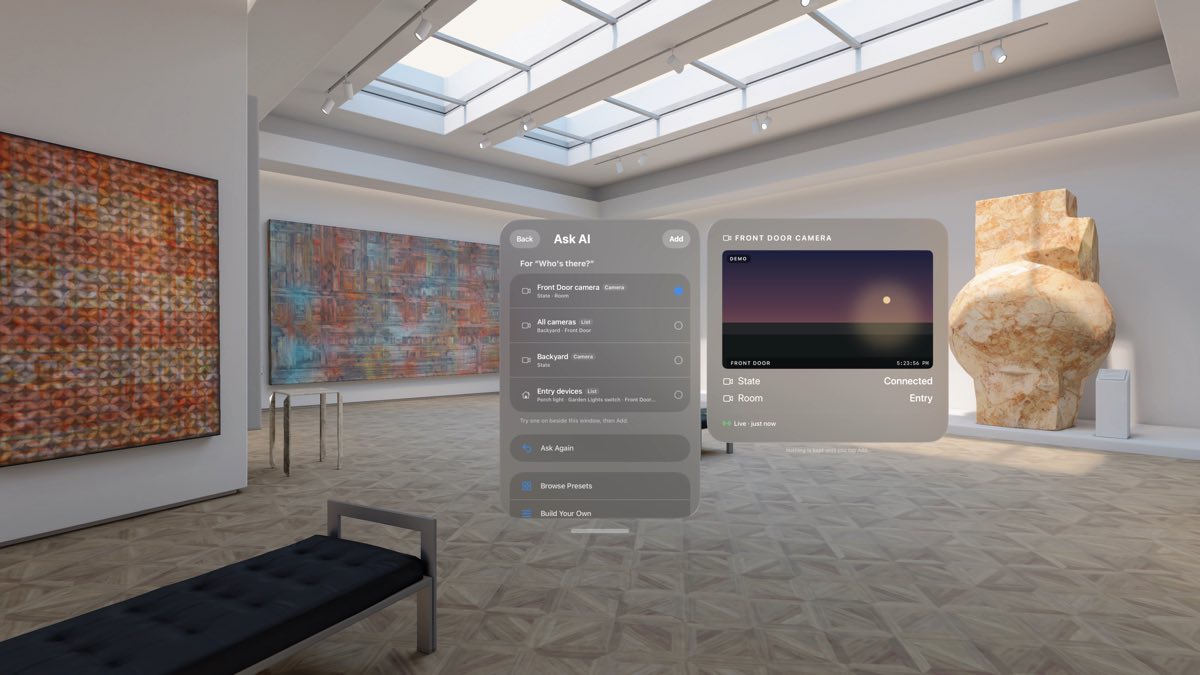
Just ask for a panel.
Say it the way you would to a person: "I'm cold", "Why is my Wi‑Fi slow?", "Who's there?" Apple Intelligence finds the panels that answer it. Try one on beside the question, then add it.
Runs on your Vision Pro or on Private Cloud Compute. Type or speak. Your readings stay on your device. Part of Pro.
UniFi
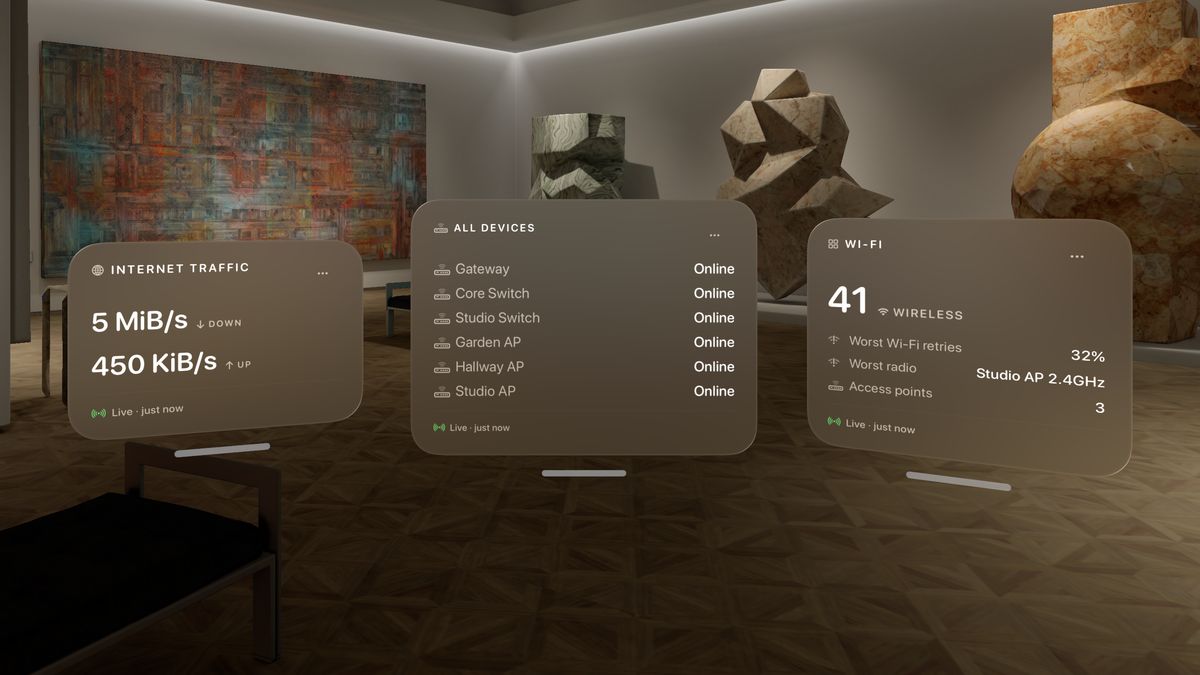
Your network at a glance.
Internet traffic up and down. Wi‑Fi retries and the busiest access point. Clients on each access point and throughput per device. UniFi Protect cameras. Offline devices and pending updates are called out.
Connect to a console on your network, or from anywhere with Site Manager: one site in full, or every site's totals together.
TrueNAS
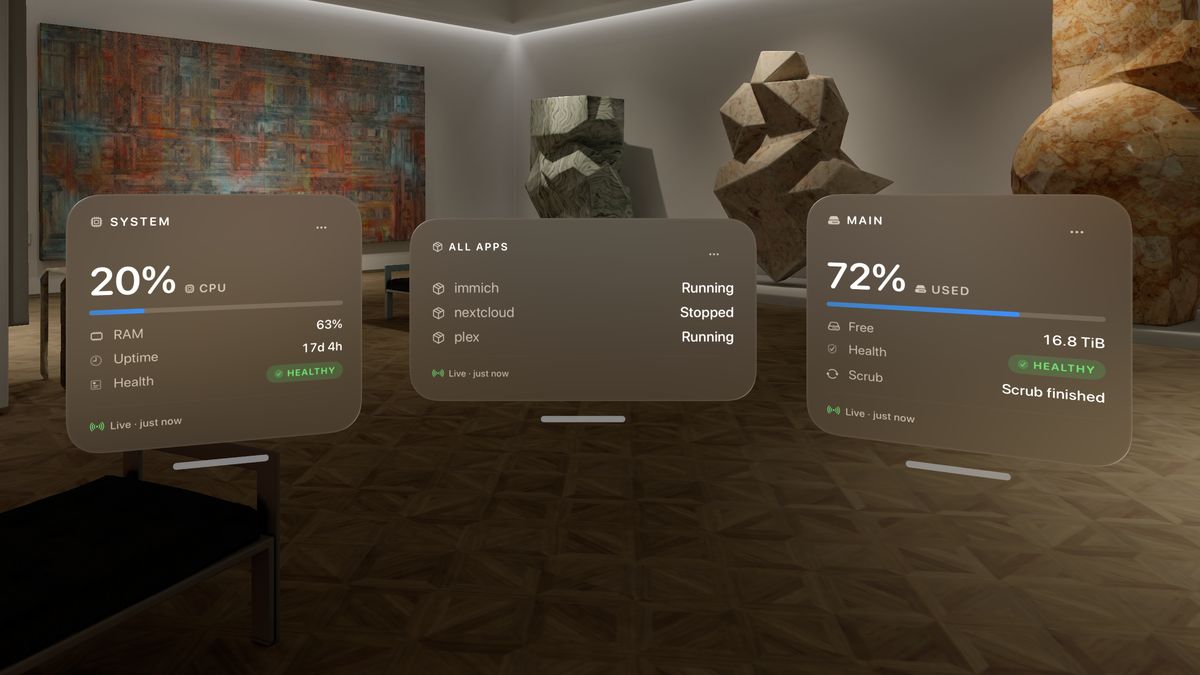
Your NAS, right beside your work.
Pool usage, health and scrub status. CPU, memory and uptime. Apps and virtual machines, running or stopped, with the memory each virtual machine actually uses. Network in and out on every interface.
TrueNAS and UniFi are read only. Panels never change a server's settings.
Widgets
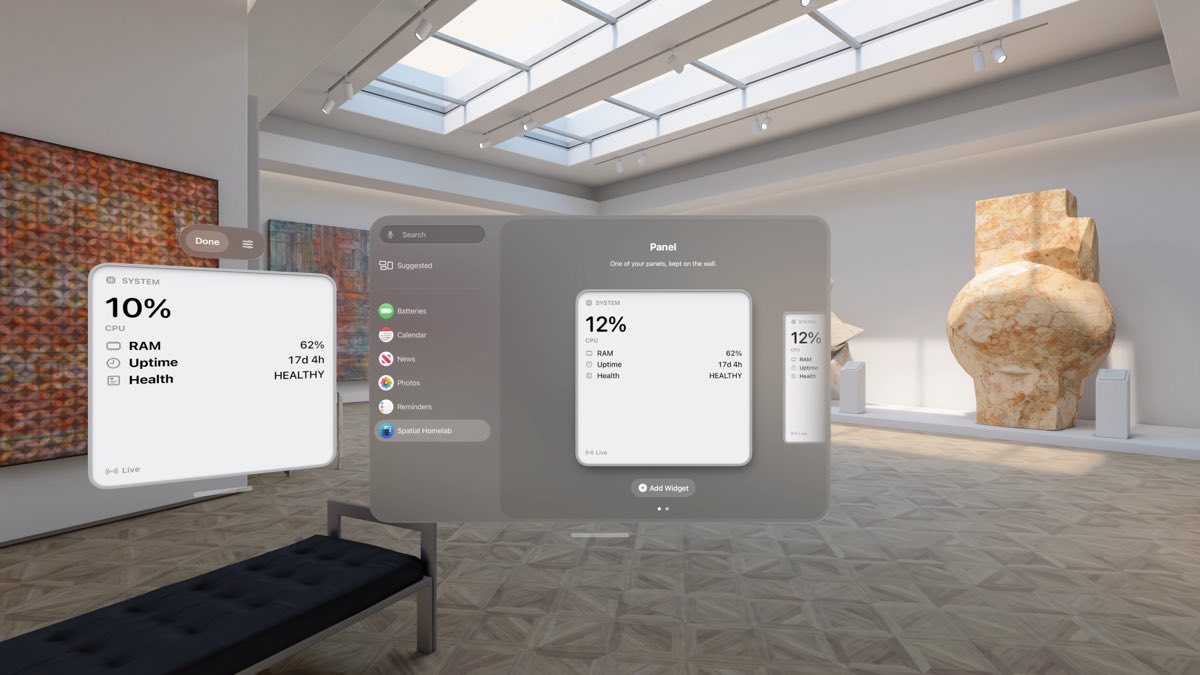
Your panels, on your wall.
Put any panel on a wall with the Widgets app, Large or Extra Large. Choose the panel on the widget itself, grouped by server. Tap it to open that panel.
Widgets update every second while Spatial Homelab is open, and about every 15 minutes when it isn't. Each one shows how old its numbers are.
Build your own
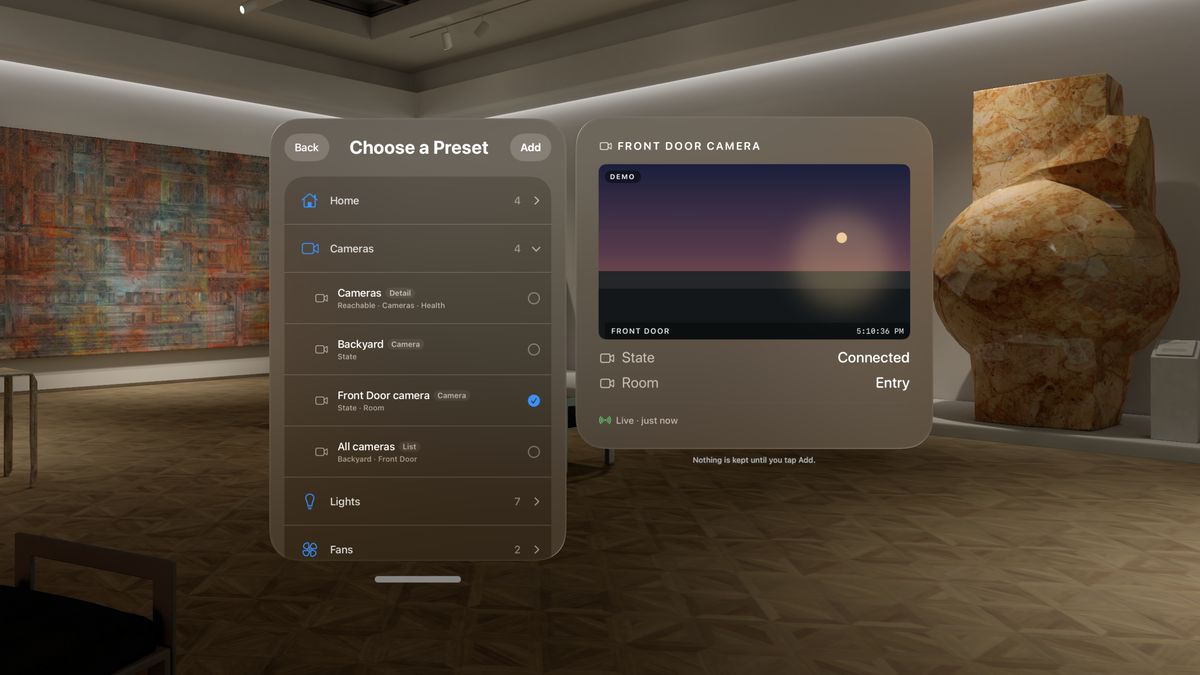
Build a panel in seconds.
Ask for one in your own words, start from a preset, or pick your own metrics. Choose Small, Medium or Large, and a Detail, Glance or List layout. The panel fills in as you choose.
Tap a count
A count opens to what it counts: each light, device, app or machine. Add keeps it on your dashboard. Free on the demo servers; on your own, part of Pro and the trial.
Try it with no hardware
Demo servers set up a full dashboard in one tap. Demo panels are free and unlimited.
Private by design
No account, no analytics, no server of ours. The app connects only to the servers you add, and to Ubiquiti's if you choose UniFi Site Manager. Credentials stay in the Keychain.
Siri
Ask "Is anything wrong in Spatial Homelab?" to hear only the problems across every server. "Check pool" hears a panel's numbers, "Open Wi‑Fi" brings it up. All in Shortcuts too.
Alerts
A notification when something breaks: a pool degrades, a device goes offline, the internet drops. Another when it's fixed. Turn them on for each server. Part of Pro.
Every second
Panels refresh every second and say how fresh their numbers are. Trend lines show the last hour.
Free, trial or Pro.
Free
One real panel, plus every demo panel. Opening a count on your own servers needs Pro or the trial.
7-day trial
Everything in Pro for 7 days. Start it when you like. Nothing is charged when it ends.
Pro
$14.99 one time, in the US
Unlimited panels on every server and home. Ask AI and alerts. Shared with your family. No subscription.
What you need
- Apple Vision Pro with visionOS 26 or later.
- A TrueNAS SCALE server, a UniFi console with an API key, or a home set up in the Home app. Or none of them, with the demo servers.
Spatial Homelab on the App Store · Getting started and support